GameCube and Wii.
On your iPhone, iPad and Apple TV.
iCube brings classic Nintendo GameCube and Wii games to your Apple devices, built on the proven Dolphin emulator foundation. No JIT required.
Download
iCube isn’t on the App Store. You can sideload it from the sources below. We recommend usingSideStore to install on iOS/iPadOS, usingSideloadly to install on tvOS, and usingStikDebug to enable JIT on iOS/iPadOS.
Sideloaded and self-built copies include every Plus feature at no cost. Plus purchases apply to the App Store build.
Support Development
If you find iCube helpful, consider supporting the project.
See iCube in Action
Nintendo GameCube and Wii games on iPhone, iPad, and Apple TV. No jailbreak required.
Gameplay video coming soon
iPhone landscape capture
Video placeholder — drop an MP4 at public/video/gameplay.mp4 to replace
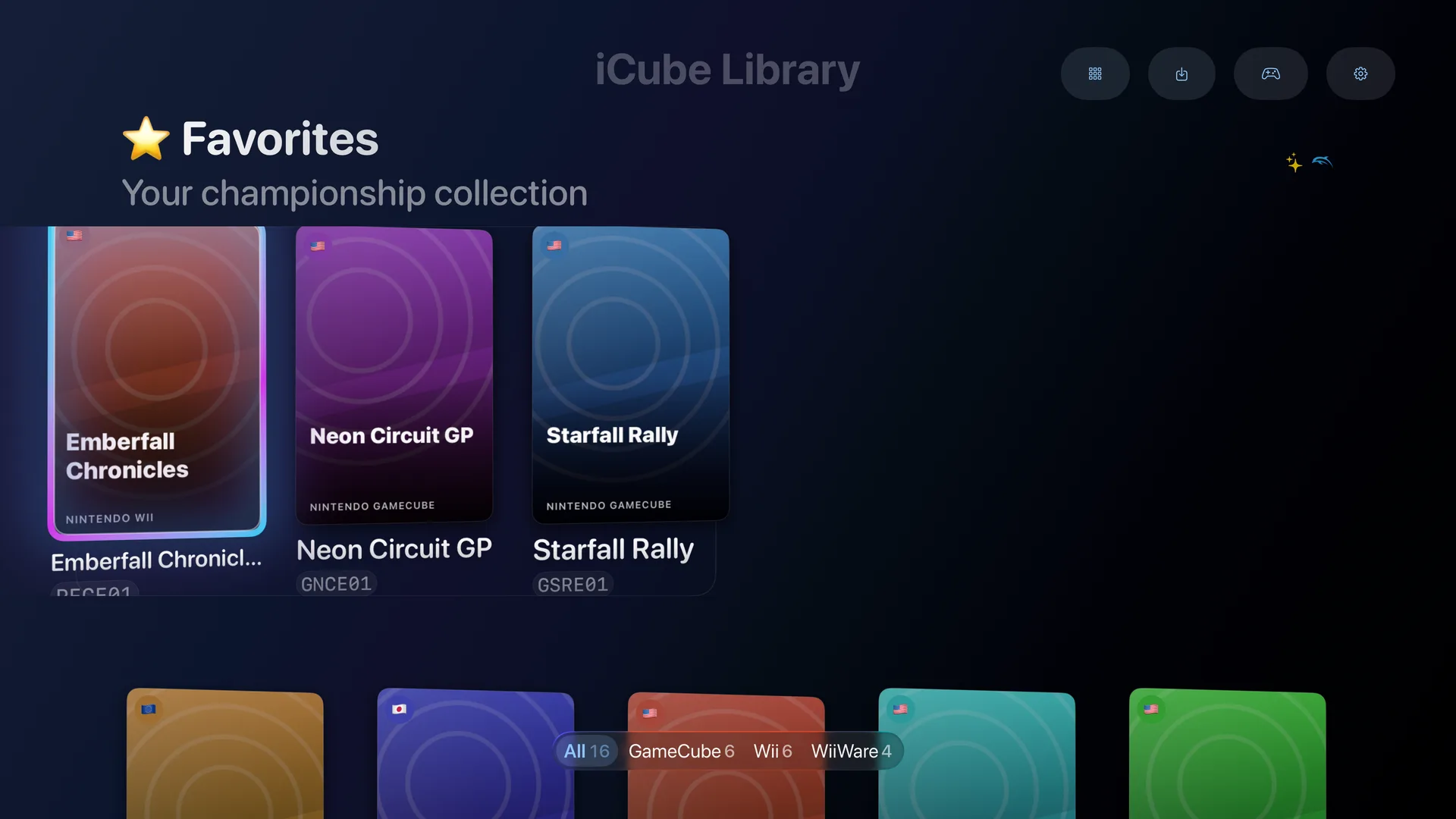
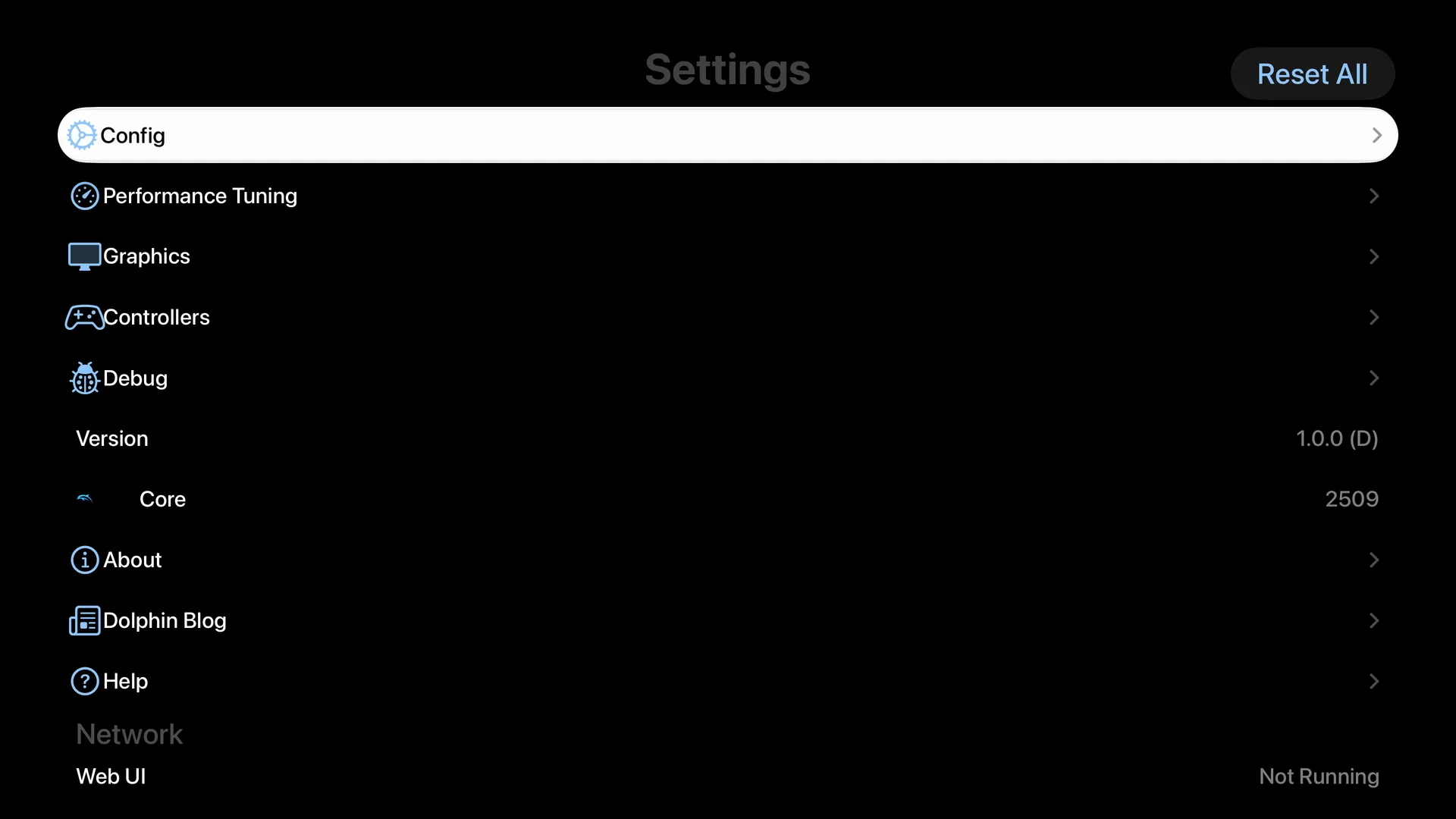
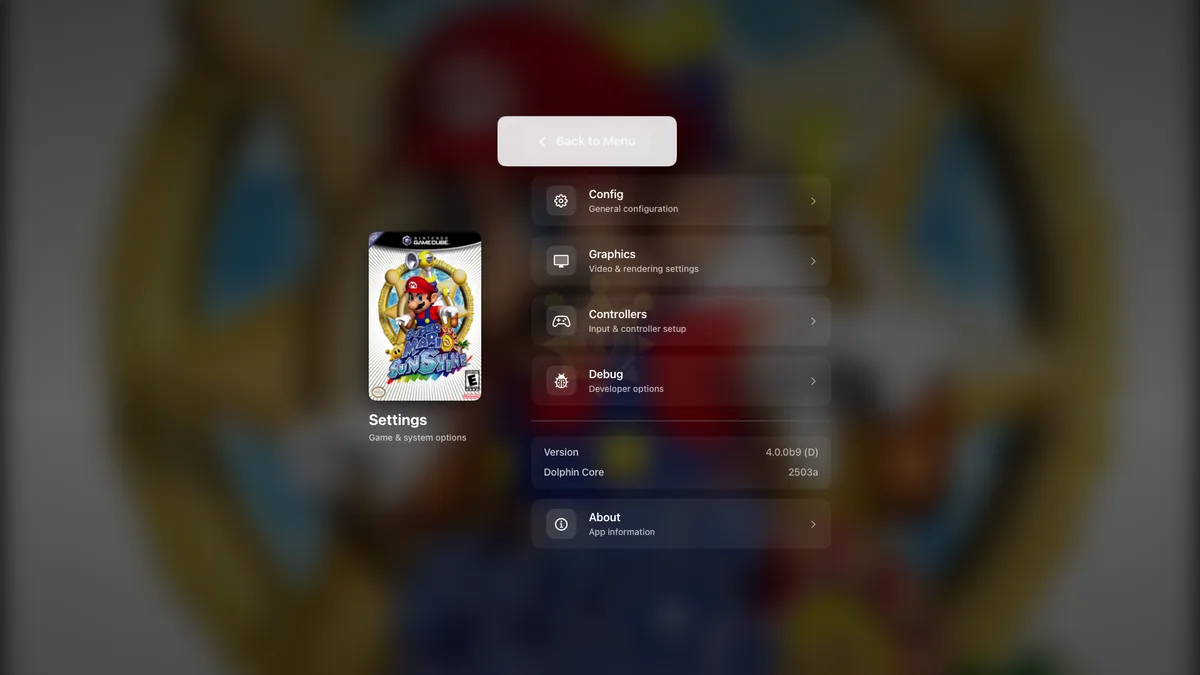
Screenshots
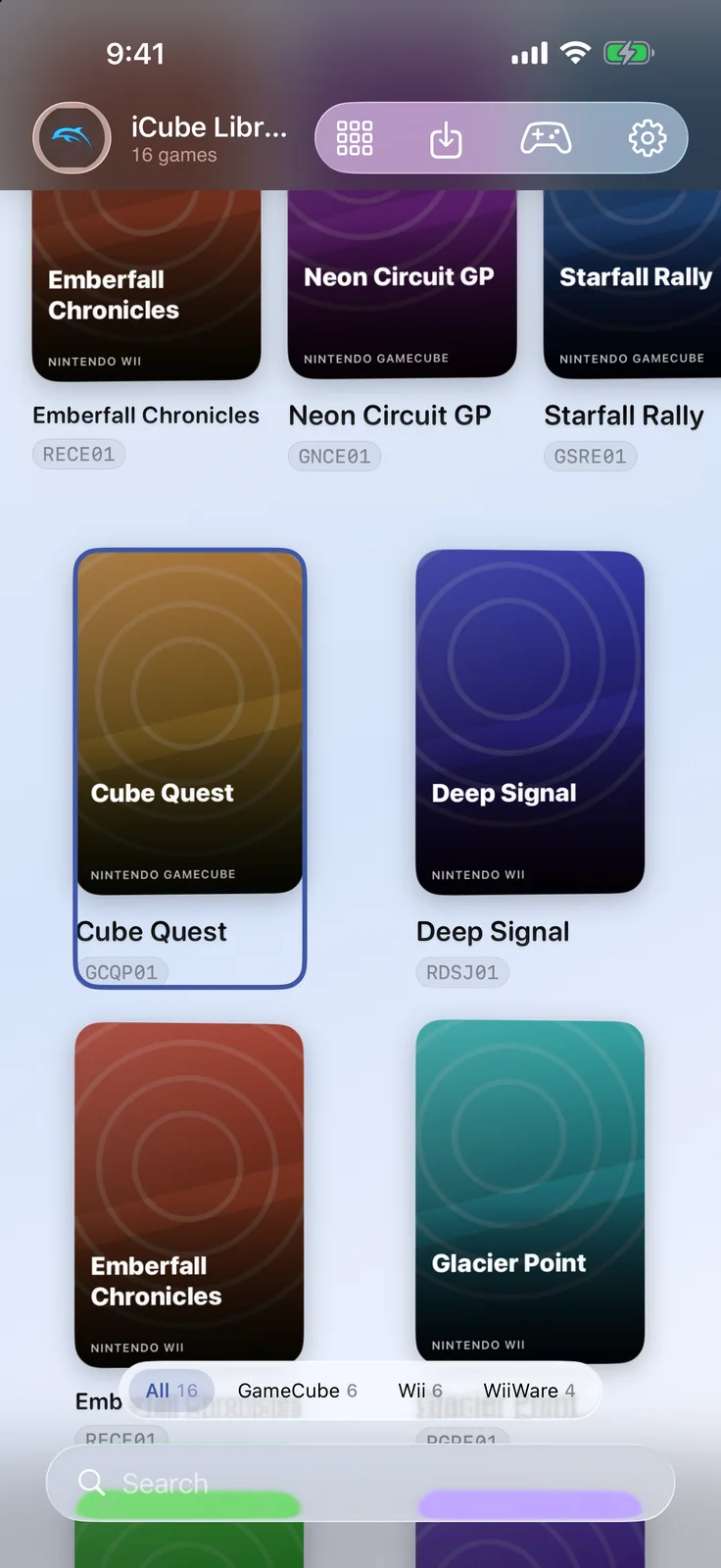
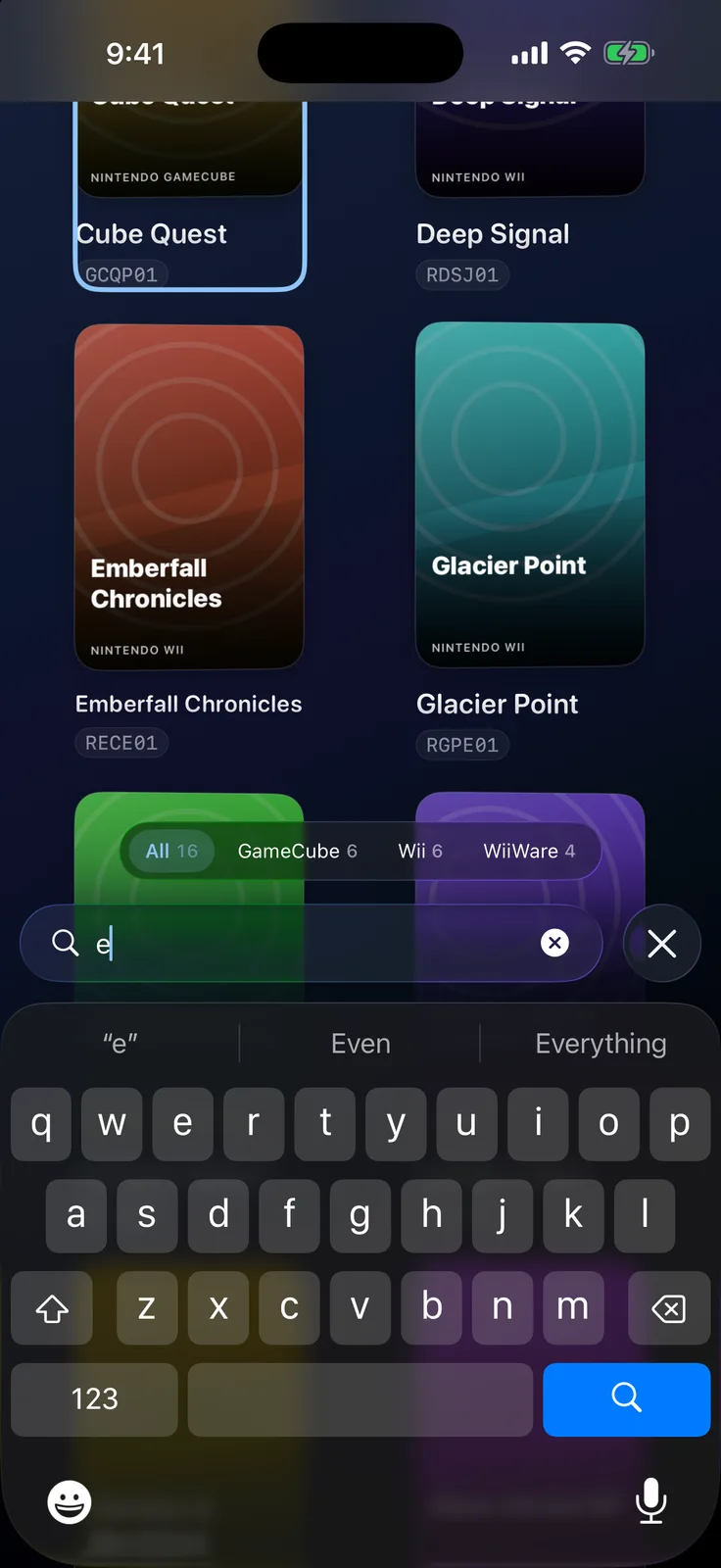
iPhone
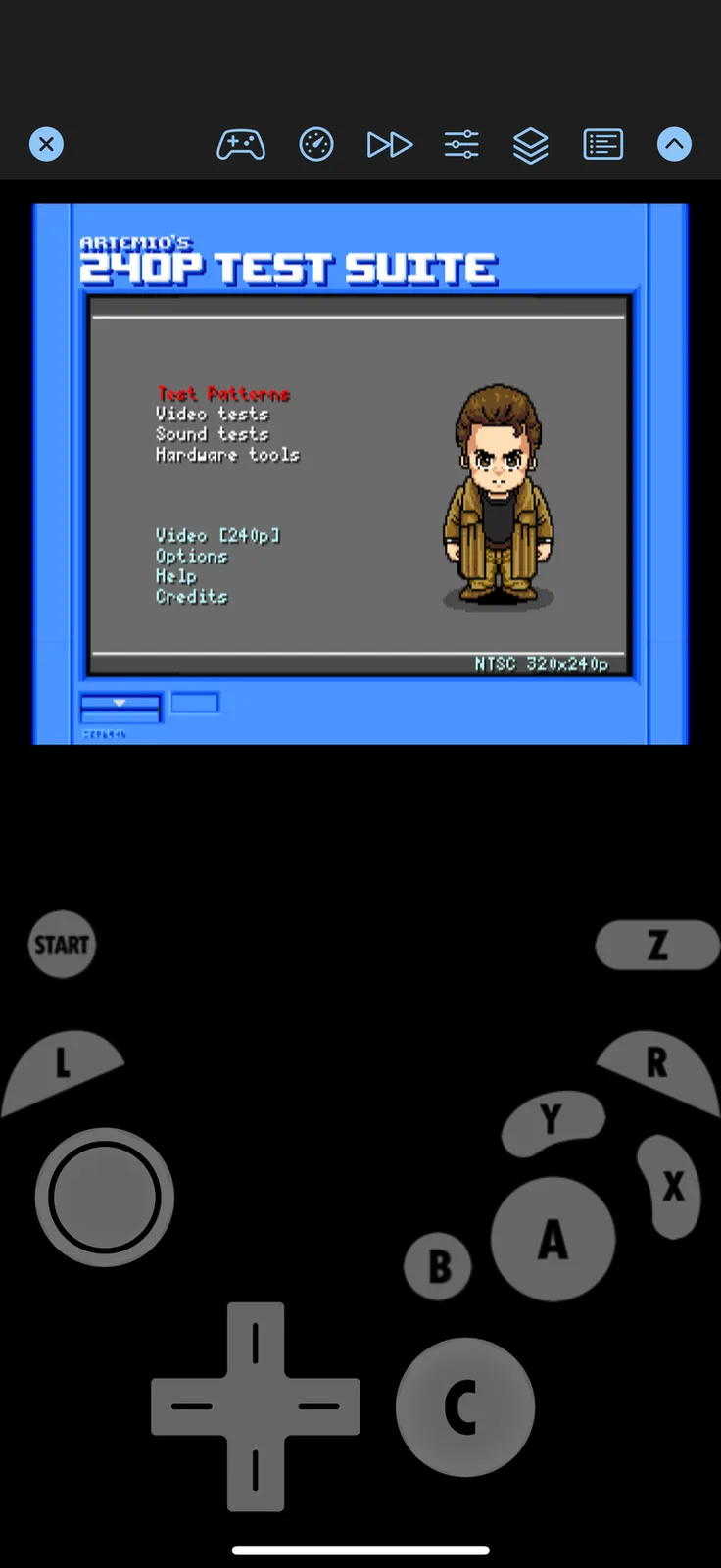
iPad
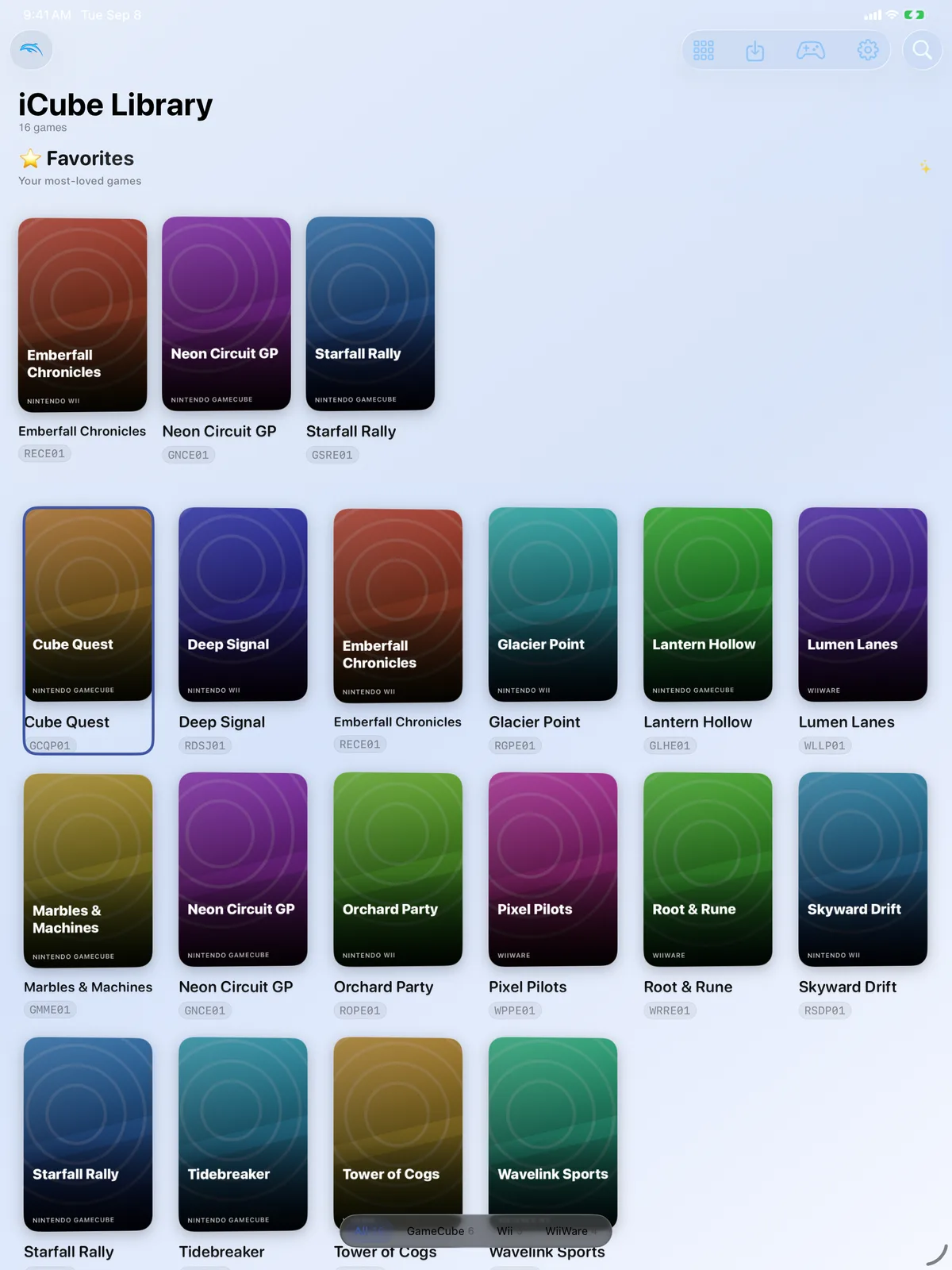
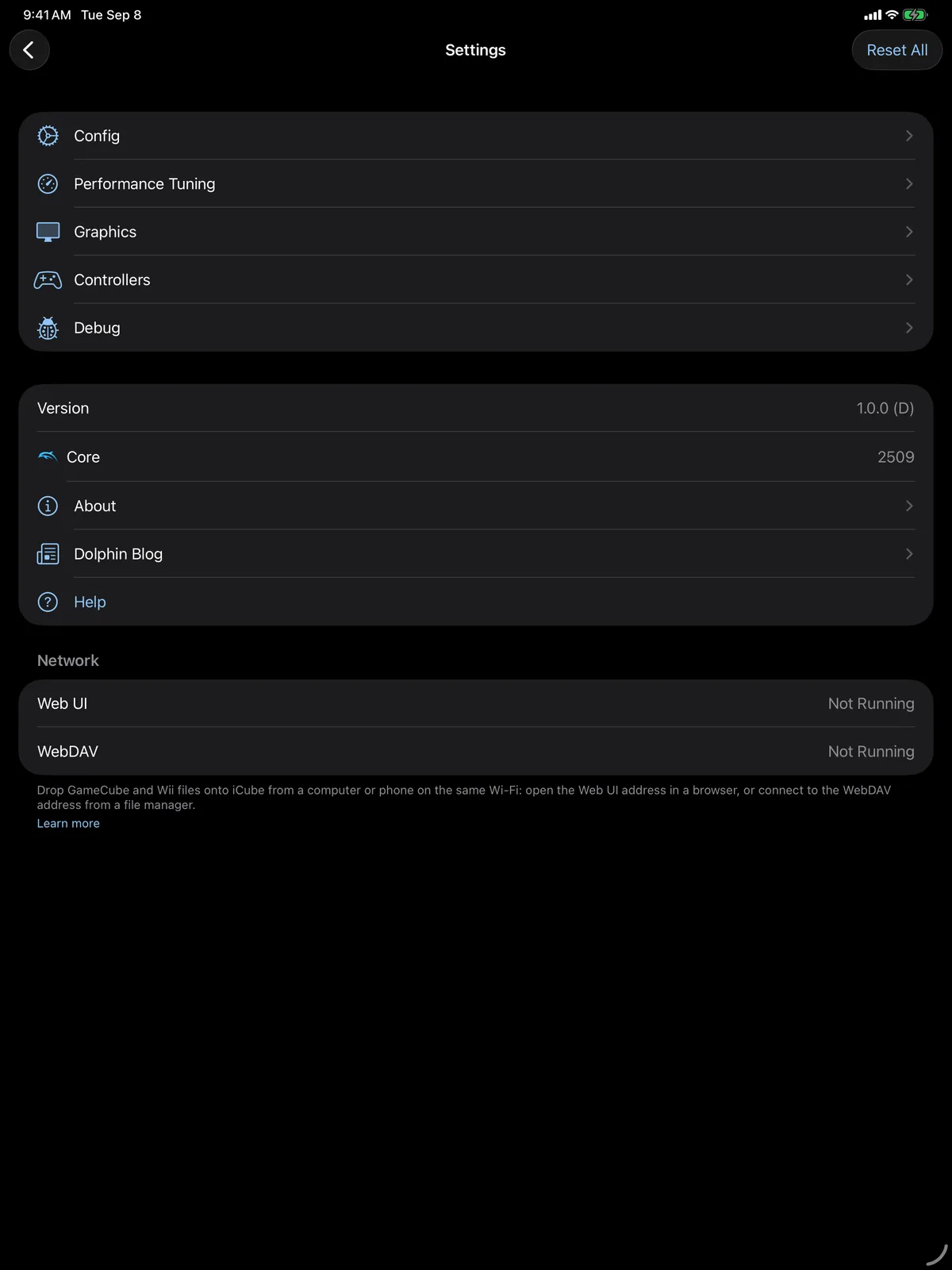
Apple TV
Features
DSU Controller Support
Use DSU-compatible controllers for precise input and low-latency control.
SwiftUI Interface
Modern, native-first UI tailored for iPhone, iPad, and Apple TV with fast, polished navigation.
Quick Toggles In-Game
Handy performance and rendering quick toggles directly in the emulation scene.
Auto VBI Skip Mode
Automatically skips vertical blanks to improve frame pacing and boost frame rates in some games.
1k+ Native Metal Shaders
Large library of native shaders for visual quality and performance on Apple GPUs.
JIT Recompiler on iOS 26
The PowerPC JIT runs again under iOS 26’s Trusted Execution Monitor, several times faster than the interpreter. Sideloaded builds, with StikDebug attached.